Cancellation
How to cancel your Awk Teams subscription and what happens to your data.
You can cancel your Awk Teams subscription at any time. No lock-in contracts, no cancellation fees.
How to cancel
From the console:
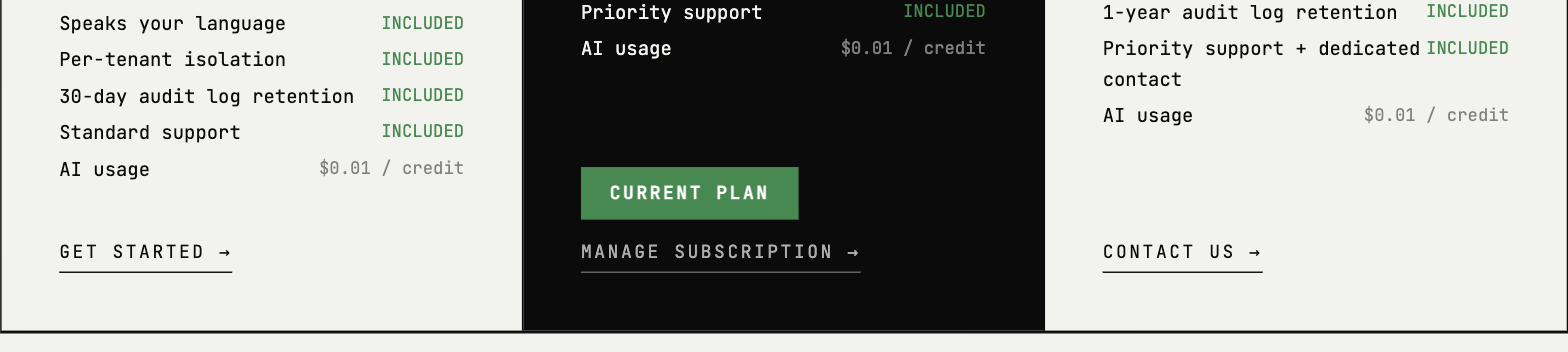
- →Go to console.awkteams.ai
- →Open the Billing tab (visible to the account owner)
- →Click Manage subscription to open the secure Stripe billing portal
- →Cancel your subscription from the portal and confirm
By email:
Send a cancellation request to hello@awkteams.ai from the account owner's email address.
What happens immediately
- →Agents stop responding in Slack
- →All integrations are disconnected
- →OAuth tokens and API credentials are deleted immediately
- →The Awk apps are removed from your Slack (and Microsoft Teams) workspace automatically
Data retention
| Data type | What happens |
|---|---|
| Account data | Retained for 30 days, then deleted |
| Agent activity logs | Deleted per your plan's retention period |
| Integration credentials | Deleted immediately on cancellation |
| Conversation history | Kept for 21 days after the last activity in a thread, then deleted automatically |
| Agent memory | Retained to power continuity; deleted on account deletion per the schedule above |
| Your source code | Cloned into per-session workspaces, which are destroyed when the session ends. Working copies kept outside the session are deleted automatically within 30 days. The authoritative copy stays in your own git remotes |
| Billing records | Retained for 5 years to meet our legal and tax record-keeping obligations |
Re-activation
If you change your mind within 30 days, contact hello@awkteams.ai to reactivate. We restore your teams, conversation history, memory, and configuration exactly as they were. Because all integrations are disconnected when you cancel, you'll reconnect your connected tools (Slack, Google or Microsoft, Jira, GitHub) on return — after that your agents come back online.
After 30 days, your account data is permanently deleted. You can still sign up again as a new customer.
Exporting your data
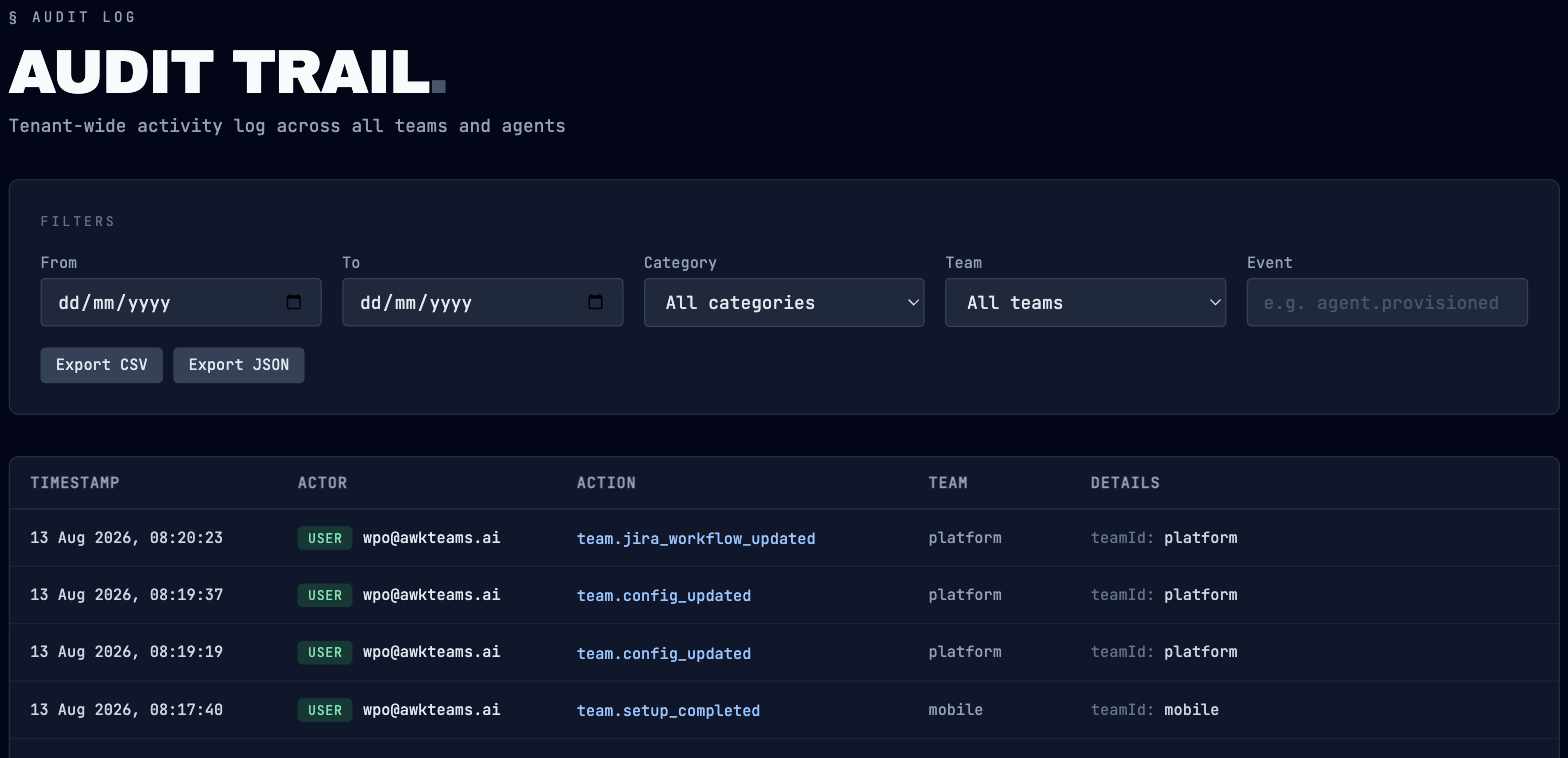
Audit logs you can export yourself anytime from the console, under Admins → Auditing (Export CSV or JSON). For a full export — configuration and usage records — email hello@awkteams.ai from the account owner's email address before cancelling.
Enterprise offboarding
For Scale and Enterprise customers, contact your dedicated support contact to arrange a managed deprovisioning process. This includes:
- →Coordinated disconnection schedule
- →Final data export and verification
- →Confirmation of complete data deletion