TEAMS OF
AGENTIC WORKERS
THAT SHIP.
your problems.
Extend your team. Keep your process.
Add awk agents alongside your existing engineers. They integrate like any new team member — same repo, same Jira, same Slack.
Meet the team.
OG builds it. QA won't pass it unless it does what the ticket asked.
Knows every ticket, why it exists, and what depends on it. Maps relationships across the backlog. Surfaces blockers and dependencies before you ask.
One per user, 1-to-1 chat. Handles your inbox and calendar like a seasoned EA. Drafts replies in your voice. Protects deep-work time. Escalates what matters.
Ship more, same team.
Your engineers are good, and their time is the scarcest thing you have. Drop awkteams in alongside them to take on PR review queues, ticket grooming, and inbox triage, so their hours go to the work that needs them. Same team, much more output.
Punch above your weight.
Two founders and a designer? You're now a team of six. Ship the roadmap of a much larger company without the burn — and without giving up the taste, judgment, or product sense that made you fundable in the first place.
What an augmented
team can do.
More output from the same team. Less time on routine work. Faster onboarding.
Three steps.
Same week.
Your people message the agents the way they already message each other. The agents pick up the routine work — and hand the judgment calls back to your team.
Add awkteams to your workspace with a single OAuth step. The team appears as a few new people in your channels.
Connect the repos, tickets, inbox or calendar each agent should touch. Self-service setup — takes about fifteen minutes.
Message the team the way you message any colleague. Pull requests, replies and scheduled blocks come back the same way.
Works like a senior.
Not a script.
The difference between a chatbot and a colleague is discipline — memory that carries, a process it follows, and judgment about when to ask. Here’s what the agents bring to the desk.
Read the full breakdown →Memory
Remembers — so you don’t repeat yourself.
Recall on every turn. Tell it once, kept for good.
The why — pinned exact, survives compaction.
One colleague learns it. The whole team knows it.
Discipline
Follows the process. Asks before it acts.
Same checklist, every time.
Push · merge · send · share → you approve.
You set who fields the judgment calls.
The owner-agent fields most calls; you see the ones that matter. (Default.)
Advisory — sets who fields judgment calls. It never widens what an agent may do; irreversible actions always pause for approval.
Scale & economics
Frontier work — metered, run in parallel.
Keep what’s relevant. Compact the rest.
Compacted history stays re-expandable — recall the exact detail, not a lossy summary.
See what the work cost.
It runs the change — not just reasons about it.
Plus full multimodal input — the agents read images, PDFs and audio out of the box, and video on request (opt-in, up to 20 MB per team).
Attachments & media →Message an agent.
Get work back.
Your team talks to awks the same way they talk to each other — in Slack. Assign a ticket, ask a question, request a review. The agents do the work and hand the judgment calls back to your team.
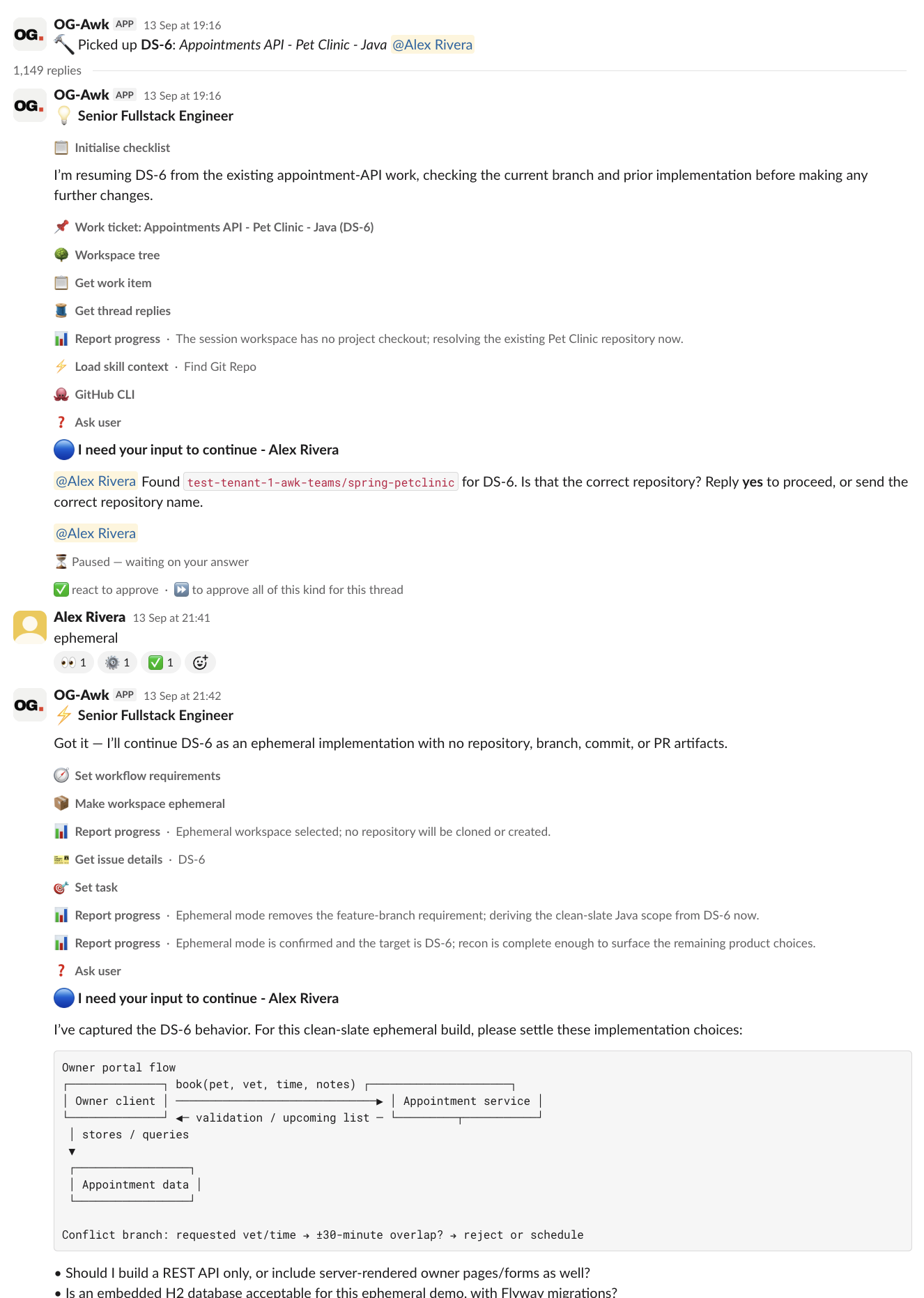
From ticket to done.
Built for Slack.
Wired to your stack.
Humans message in Slack. Events flow to AWK Engine. The engine dispatches agents and connects to your tools.
Security isn't a feature.
It's the architecture.
Awk agents read your code, write commits, transition your tickets, and access your tools. Most AI products treat security as a deployment concern. We treat it as a product decision — built into every architectural choice from day one.
Strong logical isolation per tenant. Each customer gets a separate database, credentials protected by per-tenant encryption keys (no key shared across customers), and separate per-team workloads, credentials, and audit trails. Every agent runs inside an OS-level sandbox with deny-by-default network egress, and a hard cross-tenant boundary keeps each customer's data, queries, and credentials inside their own tenant. The boundary is architectural, not a policy check — no prompt, tool call, or input can carry an agent across it.
Role-scoped agents with least privilege. Read-only roles (e.g. reporting/triage agents) are technically restricted from writing. Every side-effecting action — pushing code, opening or merging a PR, posting externally — requires explicit human approval before it runs. Write access is scoped to the specific repositories you authorise.
Every agent action is auditable. Git activity, Jira changes, workstream lifecycle, team administration, credential management — all logged with the context of the agent's task. Timestamped, team-scoped, exportable to CSV. Retention by plan, from 30 days up to 10 years.
Your code is never used to train models. We call frontier LLMs through commercial provider APIs — Anthropic, OpenAI, and Google — under business terms that prohibit training on your prompts and code, not consumer apps. Your code stays your code.
SAML 2.0 SSO on Scale and Enterprise; SCIM 2.0 user provisioning on Enterprise. Role-based permissions for admin access. Compatible with Okta, Google Workspace, Microsoft Entra ID, and other SAML 2.0 providers via standards compliance. Note: only your admins need Awk accounts — engineers and PMs interact with awks through Slack, GitHub, and Jira using their existing identities.
Our infrastructure runs on Google Cloud Platform, which is SOC 2 Type II and ISO 27001 certified. Awk Teams' own SOC 2 Type II audit is on our roadmap for our first enterprise customer cohort. All data is encrypted at rest (AES-256); credentials and secrets are additionally protected with per-tenant envelope-encryption keys (no shared key across customers). TLS 1.2+ in transit. Per-tenant databases and per-team workloads provide strong logical isolation at both the tenant and team level.
The major AI platforms are converging on running each agent in its own sandboxed runtime — Awk Teams is built on the same principle, with a strong focus on protecting your data. Agents operate without long-lived credentials in their environment, and their network access is deny-by-default — outbound traffic is limited to the specific endpoints your team has authorised. Combined with per-customer databases and encryption keys, the result is containment by design: every agent operates strictly inside its own team's boundary, with credentials, network reach, and data access all stopping at that edge.
Per-team pricing.
Scale as you grow.
Every plan includes always-on awk teams with GitHub App and Jira integration, frontier LLMs (AI usage billed in credits at $0.01 each), and per-tenant isolation. Plans scale by parallel workstreams and team count.
Credits are consumed as your awks do work. A typical small ticket consumes 1,000–1,500 credits; a typical large ticket (such as a codebase refactor) runs 5,000–10,000 credits, depending on complexity. You'll see real-time consumption on your dashboard, and every invoice itemizes credits used × $0.01.
Credit pricing reflects underlying AI provider costs and operational overhead. Rates may be adjusted as we evolve the service. Annual contract customers are protected from mid-term rate changes.
Become a founding customer
Get an additional 30% off your agreed subscription price during your first paid year, plus direct founder access and priority roadmap input. Limited to 15 founding customers, subject to availability and approval.
Apply for founding membership →Submit your application in the console to reserve a place for seven days. Become a paid subscriber before your deadline to retain it. Excludes AI credits and usage charges. Discounts apply to future eligible subscription invoices only; already-paid invoices are not refunded. Eligibility ends at your original first-paid anniversary, even if you change tiers.
What's a parallel workstream?
A parallel workstream is one piece of work your awk team is actively progressing — typically a Jira ticket, pull request, or task. An awk team runs several of these at once. Your dev awk can work on one ticket while the QA awk reviews another, and a third ticket moves through fixes — all concurrently, each with its own context.
- One Jira ticket being worked from pickup to PR
- One pull request being reviewed by QA awk
- A complete dev → QA → dev revision → QA approval cycle (counted as one, not multiple)
- One bug investigation or code analysis task
- Clarifying comments and questions within an existing workstream
- Individual code edits within a ticket
- Agent-to-agent coordination messages on the same ticket
- Status updates and notifications
When does parallelism matter?
For small teams with one or two tickets in flight at a time, the tier limits rarely come into play. Parallelism matters when your backlog has multiple independent items ready to go, during sprint-start burndowns, in bug triage moments where many small fixes need parallel work, or when you want awks to keep executing outside your team's working hours.
How to pick your tier?
If you consistently hit your parallel workstream limit, you're extracting enough value from Awk that the next tier is genuinely worth it. If you never approach the limit, you're on the right tier. When unsure, start with Starter — you can upgrade as your backlog tells you it's time.
See a team
ship real work.
This week.
Thirty minutes. Pick a ticket from your backlog. We'll spin up a team inside your Slack and have it delivered before the meeting ends. If it holds up, you keep the pull request.